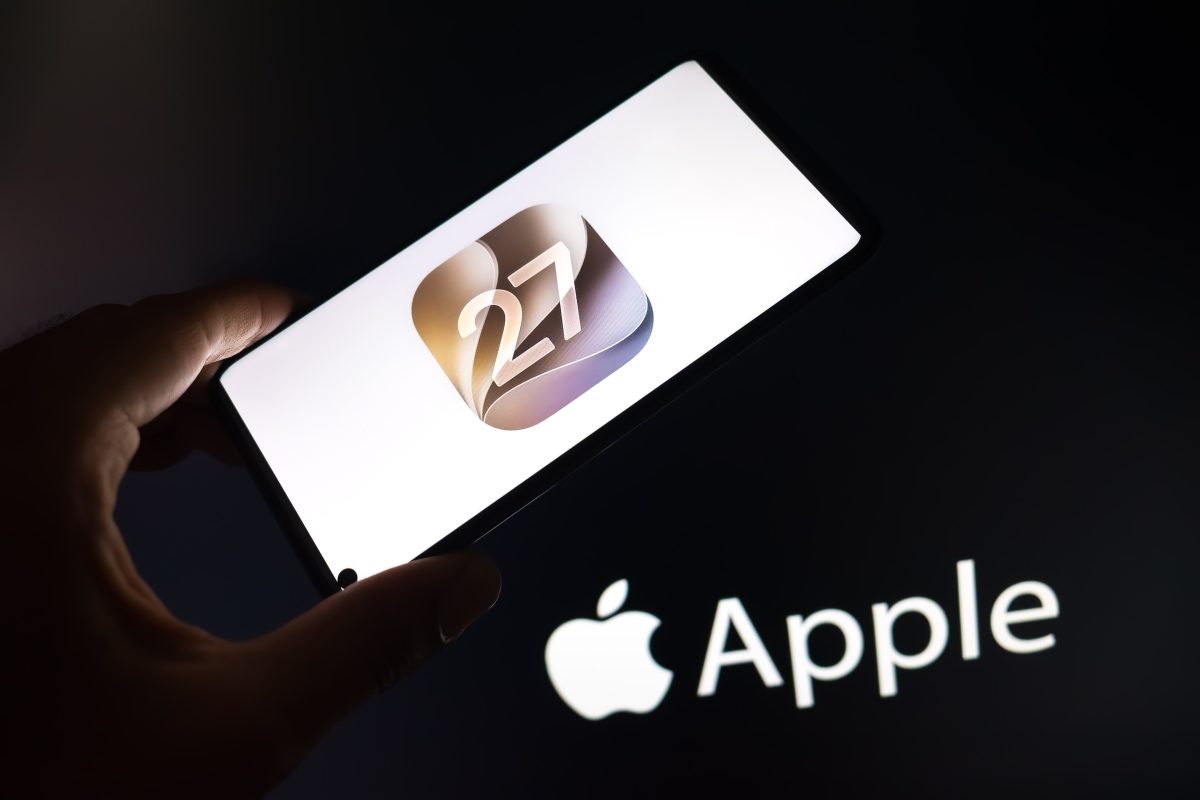

Apple has just released iOS 27, and it’s not just another incremental update. This is the kind of release that makes you want to dig through your settings menu for hours. If you’ve already hit that software update button, you’re probably staring at a home screen that feels both familiar and slightly foreign. That’s a good thing.
Why iOS 27 Feels Like a Bigger Deal Than Usual
Every year, Apple rolls out a new version of its mobile operating system. Some years bring minor tweaks, others bring sweeping redesigns. iOS 27 sits somewhere in the middle, but with a clear lean toward smarter, context-aware computing. The company hasn’t just polished the edges; it has rethought how your iPhone anticipates what you need.
You might be wondering whether it’s worth updating right away. Short answer: yes, especially if you rely on Siri, notifications, or anything involving on-device intelligence. The new features aren’t gimmicks. They’re the kind of tools that quietly change your daily habits.
Siri AI: The Assistant Finally Gets a Brain Transplant
Let’s address the elephant in the room. Siri has been the butt of jokes for years, but iOS 27 marks a genuine turning point. Apple has rebuilt the assistant from the ground up using a new on-device large language model. That means Siri can now understand follow-up questions, maintain context across multiple requests, and even summarize long email threads or articles.
Ask it to “find that photo from last summer where I was wearing a red hat,” and it will actually do it. Ask it to “text Jamie that I’ll be late and suggest a new time,” and it will draft the message for you. No more robotic misunderstandings. The assistant now feels less like a command line and more like a conversation partner.
What About Privacy?
Apple is keen to point out that most of this processing happens on your iPhone. For heavier tasks, it uses a new private cloud relay that doesn’t store your data. It’s a smart compromise between capability and confidentiality, and it sets a new bar for the industry.
Adaptive Notifications That Respect Your Focus
Notifications have always been a double-edged sword. They keep you informed, but they also shred your attention span. iOS 27 introduces Adaptive Notifications, which use on-device machine learning to group, prioritize, and even silence alerts based on your current activity.
If you’re driving, only urgent messages from favorites come through. If you’re in a meeting, non-critical notifications get bundled into a quiet summary. The system learns your patterns over time, so after a week it feels almost prescient. It’s like having a personal assistant who screens your calls without you asking.
How to Set It Up
Head to Settings, then Notifications, then Adaptive Notifications. You can choose from presets like Work, Personal, and Sleep, or create custom focus modes. The default settings are decent, but tweaking them is where the magic happens.
Live Text Gets Smarter with Visual Look Up
Live Text was already handy for copying text from photos. In iOS 27, it gets a significant upgrade with Visual Look Up. Point your camera at a plant, a landmark, or even a product label, and the system will identify it and offer relevant actions. You can translate text in real time, add a phone number to contacts, or look up a recipe from a cookbook page.
The feature now works across more languages and even recognizes handwriting more accurately. It’s the kind of tool that makes you feel like you’re living in the future, minus the flying cars.
Customizable Lock Screen Widgets and Depth Effects
Apple introduced lock screen customization in iOS 16, but iOS 27 takes it further. You can now add interactive widgets that let you control music, start a timer, or check the weather without unlocking your phone. The depth effect, which makes the subject of your wallpaper pop out behind the clock, now works with more photos and even with Live Photos.
It’s a small thing, but it makes your iPhone feel more personal. And isn’t that the point?
Health and Fitness Tracking Gets a Boost
The Health app now integrates more deeply with third-party devices and offers new metrics like gait analysis and sleep apnea detection (where supported). The Fitness app adds a new “Consistency” score that rewards you for showing up, not just for hitting personal records. It’s a subtle shift toward sustainable habits, and it’s welcome.
Medication Reminders and Mental Wellbeing
You can now log your mood and see how it correlates with sleep, exercise, and even screen time. Apple isn’t trying to be your therapist, but it does provide useful context. The medication reminder feature now includes interaction warnings and refill alerts.
Passwordless Future with Passkeys
iOS 27 expands support for passkeys, the passwordless authentication standard that uses Face ID or Touch ID instead of a string of characters. More apps and websites now support it, and Apple has made it easier to share passkeys with family members through iCloud Keychain. It’s a small step toward a world without phishing, and it’s about time.
Messages and FaceTime Updates
Messages now supports editing and unsending for up to 15 minutes, and the search function is finally good. You can search for a specific link or phrase and jump right to it. FaceTime adds a new handoff feature that lets you start a call on your iPhone and move it to your Mac or iPad without missing a beat.
Minor but Mighty: Small Tweaks That Add Up
There are dozens of smaller changes: a redesigned weather app with more detailed maps, a new clock widget for your home screen, and a system-wide translation feature that works in any app. The keyboard now has better autocorrect and a new haptic feedback option. Even the flashlight has a new intensity slider.
These aren’t headline grabbers, but they smooth out the rough edges. They make the operating system feel more polished and more thoughtful.
Should You Update Today?
If you have an iPhone from the last three or four years, yes. The update is free and generally stable. As always, back up your device first. The new features are worth the download, and the performance improvements are noticeable even on older hardware.
Looking ahead, iOS 27 sets the stage for a more proactive, intelligent iPhone. Apple is clearly betting that on-device AI and privacy will be its differentiators. If this release is any indication, the next few years of iPhone software will be less about flashy redesigns and more about quiet, useful intelligence. And that’s a future worth updating for.